
DomainsBranding
Publish on your own domain
Replace the default Livestorm address with a domain your audience already recognizes.
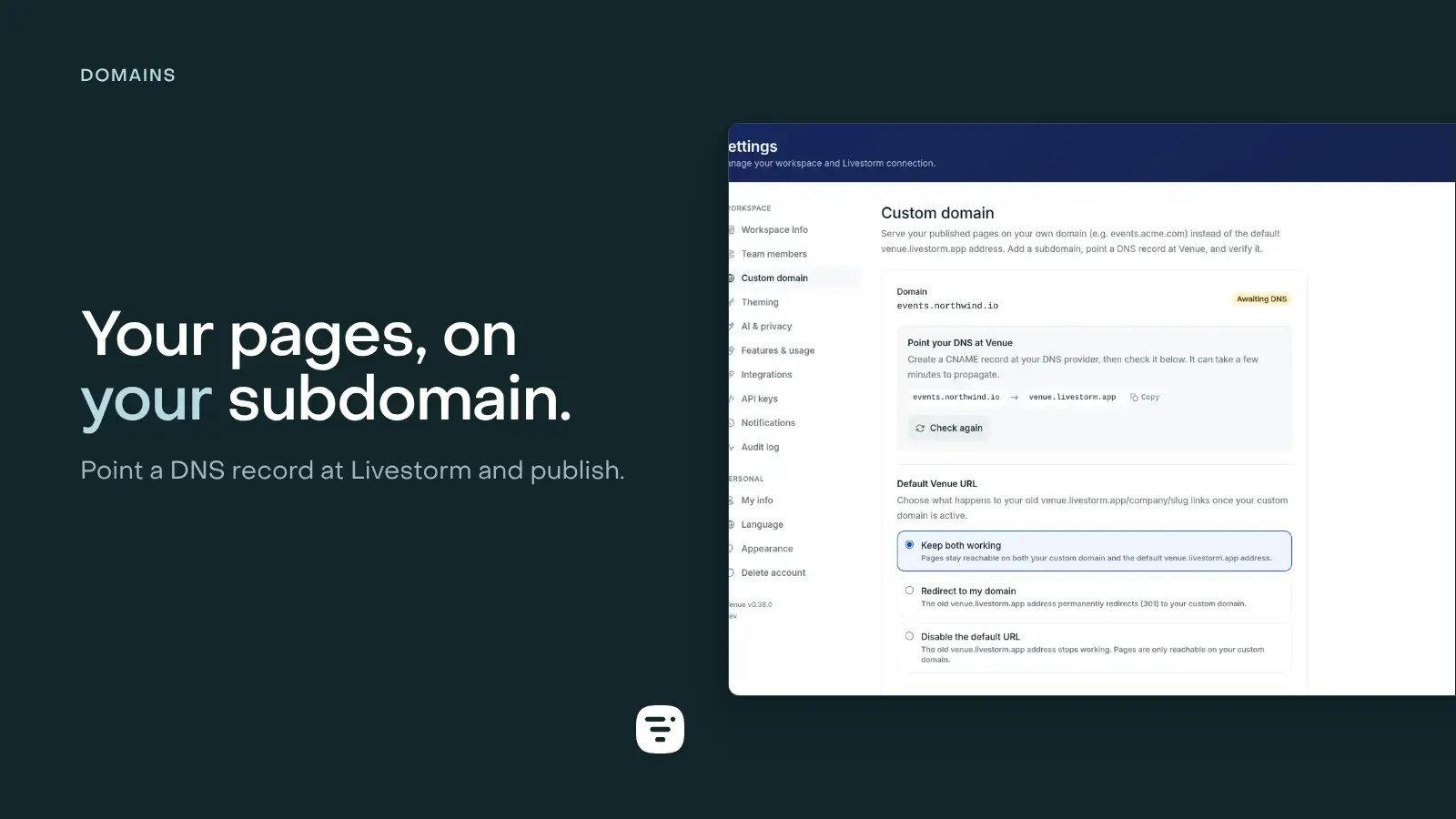
Your hostname, the same workflow
Connect a hostname such as events.example.com, add the DNS record the setting gives you, and verify it from workspace settings.
Once active, published pages use short URLs on that host. Livestorm keeps certificates, page resolution, canonical metadata, and the domain sitemap aligned.
Control the old address
Keep both addresses available, redirect the default Livestorm URL to your domain, or disable the default URL. Existing page editing and publishing stay unchanged.